Starter
For solo builders and small product teams
$4/month
2,000 screenshots / monthChoose Starter- REST + MCP + CLI
- Desktop & mobile
- 7-day artifact retention
- 2 concurrent captures
Screenshots + Page Context, one API
Turn any URL into screenshots and structured page data. Ready for your app, your workflow, your next AI agent.
Free demo No signup No card.
The platform for developers to build, deploy
and scale the web.
The platform for developers to build, deploy and scale the web.
{
  "url": "https://vercel.com",
  "title": "Vercel – Build without limits",
  "description": "The platform for developers",
  "headings": [
    "Build without limits",
    "Deploy with confidence"
  ],
  "links": 28,
  "images": 12
}Explore the output
Get screenshots in PNG, JPEG, WEBP or AVIF, an editable Basic Vector SVG, plus structured page context — from a single URL.
Less browser work. More possibility.
Bring visual evidence and readable page content into the same workflow. Connect through MCP, or call Page Context from your own agent backend.
Your stack. Your way.
A familiar HTTP endpoint. Typed SDKs. A native tool for your AI agent. Start with the interface you already know.
Read the documentationUse tokens on your server or in a secret manager. Keep credentials out of browser code.
curl https://snapforge.web-tasarimci.com/api/v1/screenshot \
  -H 'Content-Type: application/json' \
  -H "Authorization: Bearer $SCREENSHOTMCP_TOKEN" \
  -d '{
    "url": "https://example.com",
    "device": "both",
    "fullPage": true
}'The big picture, in 24 seconds
See how the capture workflow fits together, from a public web page to screenshots and page data.
Then try it yourselfSubmit a URL · Render viewports · Extract context · Deliver artifacts
Try it first. Scale when you're ready.
A free browser demo to see it work.
Production plans from $4/month.
For solo builders and small product teams
For production apps and AI agents
For agencies and high-volume automation
Monthly billing shown. Annual plans include two months free. No seat fees.
Before your first capture
Yes. The free Studio captures public websites without an account or a credit card. Fair-use limits apply. Paid plans are designed for production workloads.
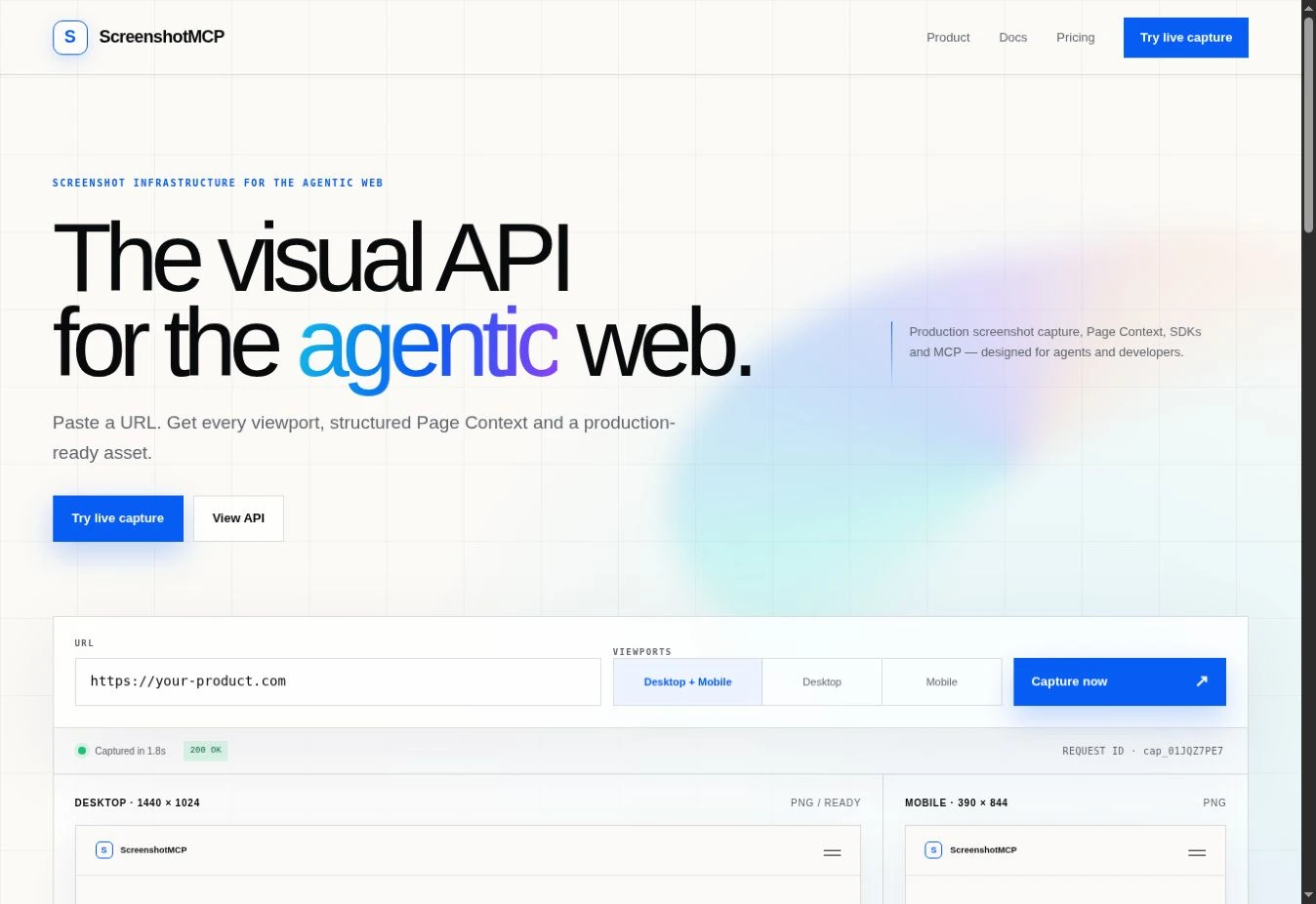
The desktop and mobile previews below are recorded examples and the Page Context panel is illustrative. The URL field above opens a live capture workspace that runs the real private MediaHarvester-backed capture pipeline without leaving this page.
Page Context returns a structured representation of a rendered page, including visible text, headings, links and interactive elements. Hosted Page Context is included in Pro and Scale. It is useful when your agent needs readable page data alongside screenshots.
The public demo is for public websites. Private-network targets and credential-bearing URLs are protected. Check the product documentation for the supported security model before designing an integration.
Add the hosted /mcp URL to a compatible MCP client and complete OAuth when prompted. You can also use the REST API, JavaScript/TypeScript SDK, Python SDK or CLI. The docs include setup and authentication examples.
Your next idea starts with a URL
Free demo · No account · No credit card